Auto-Generated PDFs for Client Submissions
Digital Marketing - EZtransition, Automation, Document Management
Your Forms Just Got a Major Upgrade: Auto-Generated PDFs for Every Client Submission
Paperwork chaos, scattered emails, and missing forms quietly drain hours from your week and make your business look less professional than it really is. EZtransition’s new Generate Submission Documents feature turns every form, survey, and quiz response into a polished PDF—automatically—so you can get back to running your local business instead of chasing documents.

The Hidden Cost of Manual Document Management
If you run a home service, wellness practice, retail shop, or local service business, your day is already packed. Yet many owners still spend precious time doing things like:
- Downloading form submissions from email one by one
- Copying answers into Word or Google Docs to create “official” records
- Printing and scanning forms just to get a PDF on file
- Searching through inboxes, folders, and clipboards when a customer calls with a question
Industry research shows that document management is rapidly moving to automated, AI-supported systems because manual processes are slow, error-prone, and expensive over time. The global document management market is growing at over 15% annually as businesses look for smarter ways to handle files and records (Fortune Business Insights).
For a local business, the problem is more personal. Every lost form is a confused customer. Every missing waiver or intake sheet is a compliance risk. Every sloppy document is a reflection of your brand. You are the hero of your business story—but you are fighting a battle with tools that were never designed for modern, local operations.
Meet Your Guide: EZtransition’s “Generate Submission Documents” Feature
EZtransition exists to help local businesses automate what should have been automated years ago. The new Generate Submission Documents feature is a simple but powerful upgrade inside your existing Forms, Surveys, and Quizzes.
With a single toggle, every new submission automatically becomes a clean, well-formatted PDF. No extra software. No exporting. No manual formatting. Just instant, professional documents stored right alongside the rest of your client data in EZtransition.
How It Works: From Client Submission to PDF in Seconds
You do not need to be “tech-savvy” to use this. Here is the step-by-step flow inside EZtransition:
- Create or open a form, survey, or quiz. In the Forms area, build your intake form, estimate request, new client questionnaire, or post-visit survey just as you normally would.
- Toggle on “Generate Submission Documents.” Inside the form settings, you will see an option labeled Generate Submission Documents. Switch it on—this tells EZtransition to create a PDF every time someone submits that form.
- Share your form with clients. Embed it on your website, send it via text or email, or have clients complete it on a tablet in your office or on-site.
- Client submits the form. As soon as they hit “Submit,” EZtransition captures every response and instantly generates a PDF document using their answers and your form layout.
- PDF is stored and ready to use. The PDF is attached to the submission record in EZtransition. From there, you can download it, email it to the client, attach it to an invoice, or keep it securely stored for your records.
Behind the scenes, this is the kind of automation large companies rely on in expensive document management systems. For you, it is simply a toggle—and a major upgrade to how your business handles information.
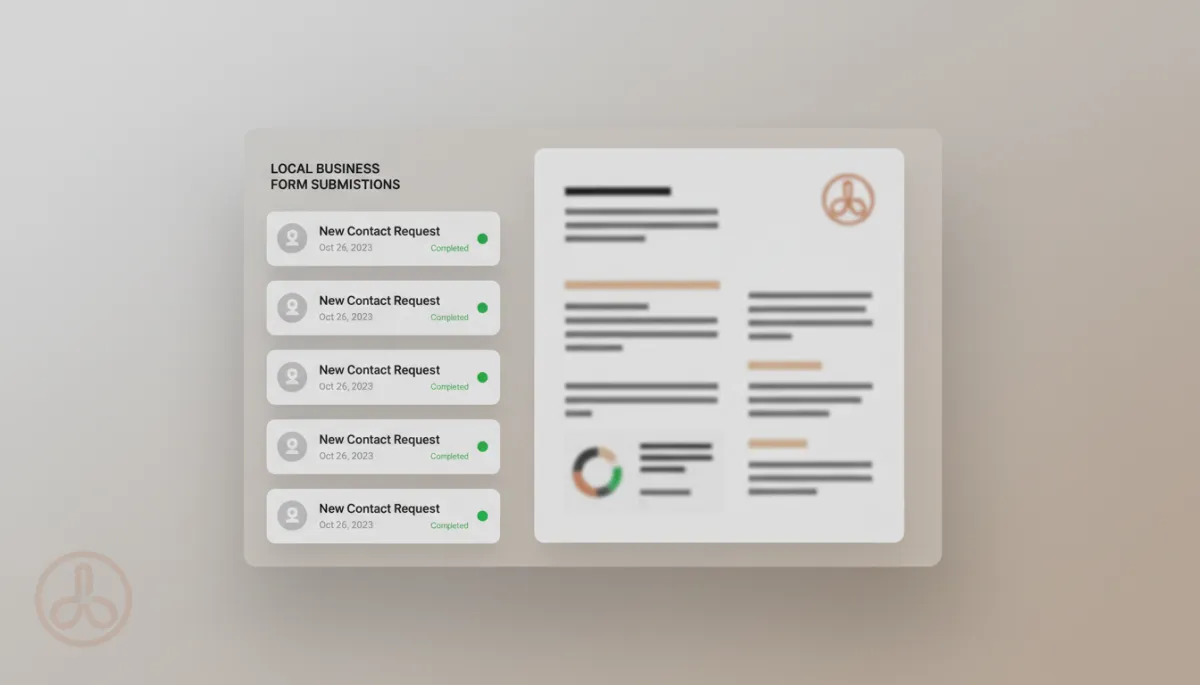
Automatic PDFs turn every submission into a polished, searchable client record.
Why It Matters for Contractors, Wellness, and Retail Businesses
Home Service Contractors: Estimates, Work Orders, and Authorizations
If you run a plumbing, HVAC, electrical, landscaping, or cleaning business, your forms are often the backbone of your jobs: estimate requests, job checklists, change orders, and service authorizations. With auto-generated PDFs:
- Every estimate request becomes a PDF you can attach to proposals or invoices.
- Job checklists turn into clear records of what was completed on-site.
- Signed approvals and authorizations are stored as PDFs for protection if there is a dispute later.
Instead of filing cabinets or random photo scans, you have organized, digital paperwork that is easy to find and easy to share with clients, inspectors, or your accountant.
Wellness Businesses: Intakes, Consents, and Progress Tracking
For spas, massage therapists, chiropractors, fitness studios, and other wellness providers, documentation is about both care and compliance. You collect health histories, consent forms, and feedback surveys. With auto-generated PDFs:
- New client intakes become professional files you can reference before each session.
- Signed consents are securely stored as PDFs to support your policies and protect your practice.
- Progress or satisfaction surveys generate records you can review over time to improve services.
The experience also feels more polished to your clients. They complete a digital form, and you respond with organized, professional documentation that reflects the quality of your care.
Retail and Local Services: Orders, Special Requests, and Feedback
Boutiques, specialty shops, and local service businesses often rely on forms for special orders, event registrations, loyalty programs, and customer feedback. Auto-generated PDFs help you:
- Turn custom order forms into PDFs that can be shared with suppliers or staff.
- Keep records of event signups and waivers for workshops or in-store experiences.
- Store customer feedback surveys as PDFs to review trends and train your team.
Instead of scattered notes and screenshots, you have a consistent, searchable trail of what your customers want and how they experience your brand.
Your Next Step: Turn Chaos into a Clear, Automated System
You did not start your business to wrangle forms and chase paperwork. You started it to serve your community, grow your income, and build something you are proud of. Manual document management pulls you away from that mission and introduces unnecessary risk along the way.
EZtransition is here as your guide—to bring enterprise-level automation down to the local level in a way that is simple, affordable, and built for how you actually work. The Generate Submission Documents feature is one small switch that can have an outsized impact on your day-to-day operations and the experience your clients receive.
Ready to see how this fits into a broader automation strategy for your business? EZtransition combines forms, communication, scheduling, and marketing into one platform designed specifically for local businesses like yours.
See How EZtransition Automates Your Business
Already a client? Log in at app.eztransition.com and click on the Forms tab to enable this today.
