Boost Local Marketing with GBP Post Sync
Digital Marketing - EZtransition, Google Business Profile, Social Planner, Local Marketing
Your Google Business Profile Posts Are Now in Your Social Planner — And Here's Why Every Local Business Owner Should Care
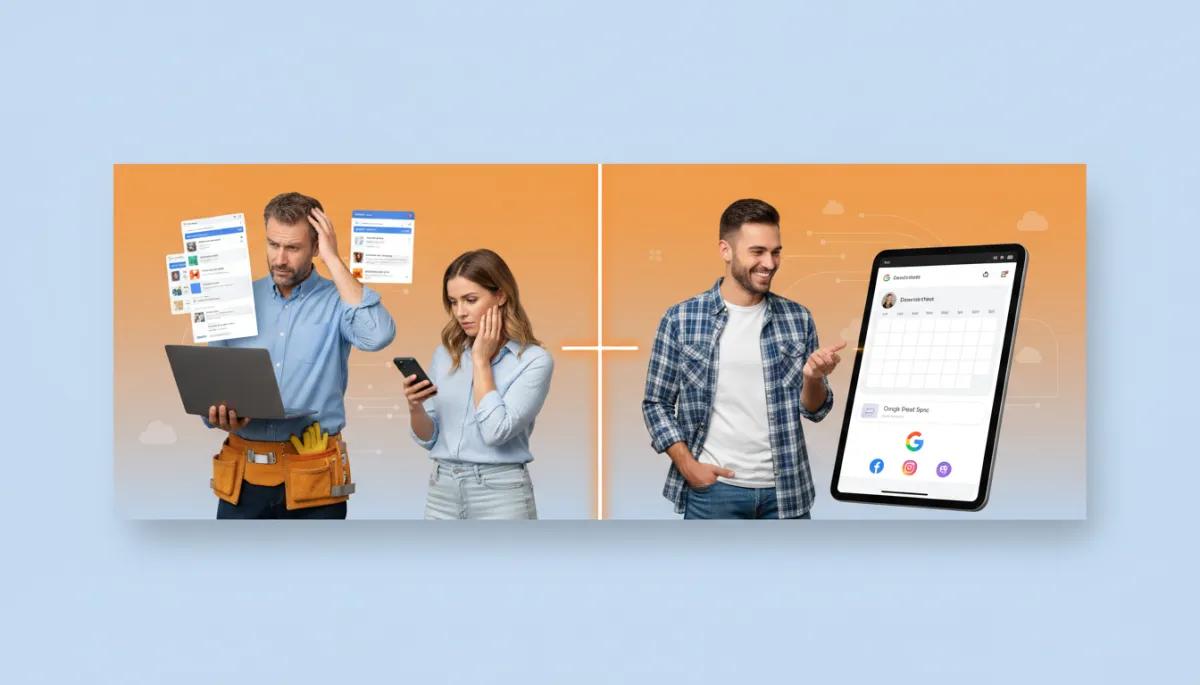
If you run a home services company, wellness studio, or neighborhood retail shop, you are the hero of your local community. But when it comes to Google Business Profile, it can feel like your competitors are the ones getting all the calls. That changes today with GBP Post Sync inside your EZtransition Social Planner.


1. The Hero Has a Problem: Competitors Are Posting and Getting the Calls
You already know Google Business Profile is important. When someone searches “HVAC repair near me,” “yoga studio near me,” or “boutique near me,” those business panels and map results show up before almost anything else. According to Google’s own guidance, a complete and active profile improves local visibility and drives more calls and website visits from nearby customers (Google Business Profile Help, 2026).
You’ve probably seen it play out: your competitor down the street posts photos, offers, and updates to their Google Business Profile every week. Their posts look fresh. Their reviews are answered. Their offers show up right when someone is ready to call. And you? You mean to post… but it never quite happens. Not because you don’t care, but because you’re already juggling ten other things just to keep the doors open.
The result is painful: they get the calls, walk-ins, and bookings that should be coming to you. You’re the hero in this story, but it feels like you’re losing the battle simply because the tools are working against you.
2. The Problem: The “Tab Tax” — Separate Logins Kill GBP Consistency
Here’s the real issue: it’s not that you’re “bad at marketing.” It’s the Tab Tax. Every time you want to post on Google Business Profile, you have to:
- Open a new tab and remember the Google Business Profile URL
- Log into the right Google account (and hope you remember the password)
- Navigate to the correct location and find the posting area
- Upload your photo, write the copy, add links, and publish
Meanwhile, you’re already inside your Social Planner scheduling Facebook and Instagram. That extra login, extra tab, and extra workflow is exactly where consistency dies. One missed week turns into a missed month, and suddenly your profile looks abandoned while your competitor’s looks alive and trustworthy. That’s the Tab Tax in action, and it’s costing you real revenue.
3. The Solution: GBP Post Sync Inside Your Social Planner
EZtransition’s job is to be your guide and remove friction from your local marketing. That’s exactly why we built GBP Post Sync right into your Social Planner. Instead of treating Google Business Profile like a separate universe, we bring it into the same calendar you already use every week.
- Auto-import last 30 days of GBP posts: The moment you connect, your most recent Google Business Profile posts are pulled into your Social Planner so you can see what’s already been published, side by side with your other channels.
- Unified social calendar: Plan Facebook, Instagram, LinkedIn, and Google Business Profile from one simple calendar. One login. One workflow. One view of your entire local marketing strategy.
- Daily auto-sync: New posts you create in Social Planner sync to Google Business Profile automatically, and updates from GBP are pulled back in daily so everything stays aligned.
No more jumping into separate Google dashboards. No more wondering, “Did I remember to post that offer on Google too?” You post once in the Social Planner, and GBP Post Sync handles the rest in the background.
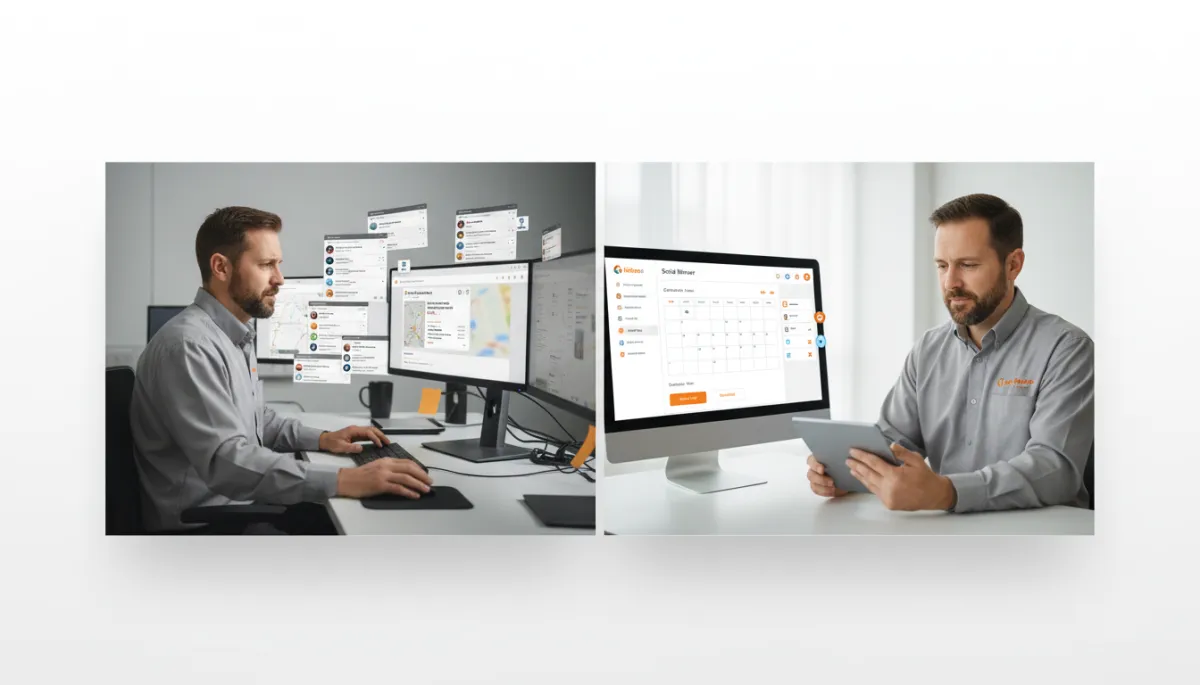
Removing extra logins turns Google Business Profile posting into a simple daily habit.
4. What This Looks Like in Practice: HVAC Contractor, Old vs. New Workflow
Let’s walk through a real-world example. Meet Mike, who owns a small HVAC company. Before GBP Post Sync, here’s how his “marketing Monday” looked:
- He opens Social Planner and schedules a week of Facebook and Instagram posts about spring tune-up specials.
- He tells himself, “I’ll log into Google Business Profile later and post the same thing.”
- The phone rings, a tech calls in sick, a supplier needs a decision. By the end of the day, GBP never gets updated.
Now, with GBP Post Sync turned on, Mike’s new workflow is dramatically simpler:
- He opens Social Planner, drops in his spring tune-up post, and checks Facebook, Instagram, and Google Business Profile as destinations.
- The post goes live everywhere at the scheduled time — including GBP — without an extra login or extra step.
- The next morning, GBP Post Sync pulls in the latest status so his Social Planner calendar reflects what’s actually live on Google.
Same hero. Same busy schedule. But now the system is set up to make consistency the default instead of the exception.
5. The ATTRACT Phase Connection: Why Consistent GBP Posting Matters
At EZtransition, we talk a lot about the ATTRACT phase — the part of your marketing that helps new customers discover you before they ever call, click, or walk in. Google Business Profile is one of the most powerful ATTRACT tools you have, especially for a local business competing in a tight radius.
Consistent posting sends important signals to Google and to your potential customers:
- Relevance: Fresh posts about seasonal offers, events, or services show Google that your business is active and aligned with what people are searching for in your area.
- Engagement: Posts with photos, offers, and calls-to-action encourage clicks, calls, and website visits — all of which feed your local SEO performance.
- Trust: An updated profile with regular posts, current hours, and answered reviews feels more trustworthy than a listing that hasn’t been touched in months.
Studies on local search continue to show that an optimized and active Google Business Profile leads to more exposure in the local map pack and higher click-through rates for nearby searches. In other words, your posts don’t just look good — they help you get found by the right people at the right time.
6. How to Activate GBP Post Sync in EZtransition
Turning this on is straightforward. Here’s how to connect your Google Business Profile to your Social Planner and start using GBP Post Sync:
- Log in to your EZtransition account and head to the Marketing section in the left-hand menu.
- Click on Social Planner to open your unified content calendar.
- In the top-right corner, click Settings to view your connected social accounts.
- Find the Google Business Profile option and click Connect. Sign in with the Google account that manages your listing and grant the requested permissions.
- Toggle Enable GBP Sync. Within moments, your last 30 days of posts will appear in your Social Planner, and daily auto-sync will be active.
From here on out, simply include Google Business Profile as a destination whenever you schedule content. The Tab Tax is gone, and consistency becomes as easy as checking one more box.
7. The Bottom Line: Own Your Local Story from One Screen
You don’t need more tools or more tabs. You need a simpler way to stay visible where it matters most. GBP Post Sync brings Google Business Profile into the same Social Planner you already trust, so your home services company, wellness studio, or retail shop can finally show up consistently in local search — without adding more to your plate.
As the hero of your business story, your job is to serve customers. Our job, as your guide, is to quietly handle the tech and the workflows that keep those customers coming in. GBP Post Sync is one more way we help you attract the right people, at the right time, from the right place — Google.
Get GBP Post Sync with EZtransition
Already a client? Log in at app.eztransition.com and click on the Social Planner tab.
Keep building,
Darren
EZtransition — Helping local businesses acquire customers on autopilot
