Are Your Google Ads Actually Working? Here’s How to Finally Know — Without Logging Into Another Platform
The ads are running. But are they actually working?
You’re a local business owner. Maybe you run a plumbing company in the suburbs. Maybe you own a salon, a chiropractic office, or a retail shop on Main Street.
At some point, you started running Google Ads. Someone told you it was the best way to get new customers fast. You set up the account, picked your keywords, entered your card, and hit publish.
That was a few months ago.
Since then, the charges have come in every month. You’ve occasionally logged into the ads platform, looked at some numbers, clicked around, then closed the tab — because you weren’t sure what you were looking at, and you definitely couldn’t tell if any of it was connecting to actual paying customers walking through your door.
Here’s the honest truth: most local business owners running Google Ads have no idea if they’re working.
Not because they’re not smart. Because the data isn’t where they are. It’s trapped in a completely separate platform, full of metrics that don’t connect to their actual business — their leads, their booked appointments, their closed deals.
That gap is costing real money. Either you’re spending on campaigns that aren’t converting, or you’re pulling back on campaigns that actually are. Without visibility, you’re not making decisions. You’re making guesses.
Phase 1 of the Monopolize Framework: ATTRACT
The Monopolize Framework is the five-phase system designed to help local businesses stop competing on price and start dominating their local market.
The first phase — Attract — is where everything begins.
Attract is about getting the right people to find you. That means paid ads, organic search, social content, and referrals. But none of those channels can be optimized if you don’t know which one is actually working.
For most local businesses running Google Ads, the Attract phase is broken — not because the ads are bad, but because the feedback loop doesn’t exist. You put money in. You hope customers come out. You have no clear way to connect those two things.
Your EZtransition system just fixed that.
What Changed — 11 Live Google Ads Widgets in Your Dashboard
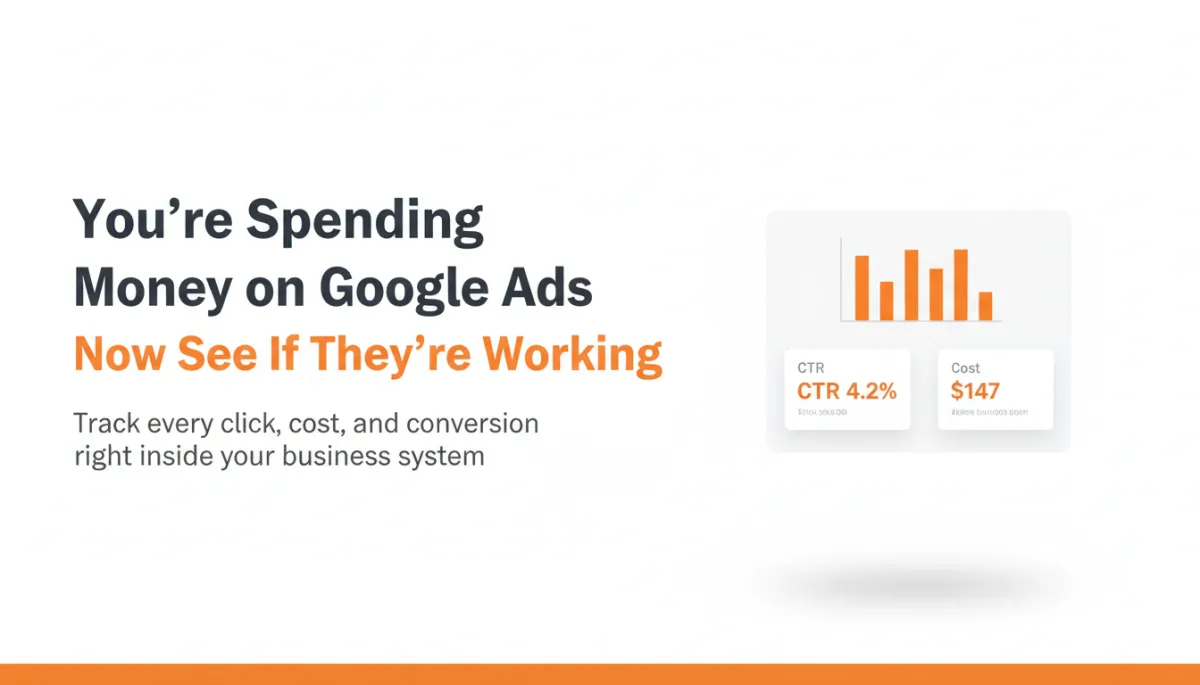
Your system now has a dedicated Google Ads section built directly into the dashboard widget panel.
Connect your Google Ads account once — under Settings → Integrations → Google Ads — and eleven live performance widgets automatically populate:
Spend visibility:
Total cost — exactly what you’ve spent, in total
Cost over time — see when your budget is being used most, week by week
Cost per click (CPC) — the average amount you’re paying per visitor
Traffic data:
Total clicks and clicks over time
Total impressions and impressions over time — how many people are seeing your ads at all
Conversion data — the numbers that actually matter:
Total conversions and conversions over time
Conversions by campaign — which specific ads are producing results
Clicks by campaign — which ads are getting traffic
That last pair — conversions by campaign and clicks by campaign — is where local business owners get the clearest picture of what’s working. Not all clicks are created equal.
A campaign targeting “emergency plumber near me” might get fewer clicks than a generic “plumber” campaign. But if it converts at three times the rate because the buyer intent is higher, that’s the campaign you need to know about. Before this update, comparing those two required logging into a separate platform, setting date ranges, and working with data that didn’t connect to anything else in your business.
Now it’s right inside your system. Same screen as your leads and appointments.
The Number That Actually Changes How You Run Your Business
Here’s where this becomes genuinely powerful.
Your system now lets you combine your Google Ads data with your pipeline and revenue data.
That means you can answer the question every local business owner should be tracking:
What does it actually cost me to acquire a paying customer?
Not cost per click. Not cost per impression. Cost per actual customer — someone who called, booked, showed up, and paid.
For a local HVAC contractor, that number might be $90 per customer. If the average job is $500, that’s a healthy margin and you should be scaling that campaign. If the number crept up to $240 without anyone noticing — which happens — the business is barely breaking even on new customer acquisition, and growth starts to feel impossible without knowing why.
That visibility is now built into the same system you use every day.
How to Set It Up (3 Minutes)
Go to Settings → Integrations → Google Ads in your system
Connect your Google Ads account
Open any dashboard and click Edit Dashboard
Click Add Widget and scroll to the new Google Ads section
Add the widgets that matter most to you — start with Total Cost, Cost Per Click, and Conversions by Campaign
Save
Done. The widgets update automatically. No manual data imports. No toggling between platforms.
What This Means for Your Attract Phase
The Attract phase works when you treat your marketing like a scoreboard — something you check regularly, adjust based on real data, and optimize over time.
Which ad is bringing in the highest-intent customers? Which campaign is burning budget without converting? Which keywords are producing clicks but no calls?
With your Google Ads data inside your system, these become answerable questions. Not occasional guesses.
The local businesses that will dominate their market in the next three to five years are the ones who track these numbers the same way they track revenue — consistently and with intention. Your system gives you the scoreboard.
The rest is discipline.
Next Step
The Attract phase is just the beginning. The Monopolize Framework covers all five stages — from the first ad a potential customer sees, all the way to turning them into a repeat buyer who sends you referrals. Each phase builds on the last.
If you’re a local business owner and you want to see how the complete framework works, click below.
See How the Monopolize Framework Works →
Already a client? Log in at app.eztransition.com and click on the Reporting tab to connect your Google Ads account today.
